Menu
M-SHIFT STUDIO / WINDOWS SOFTWARE
Your tune.
Your tools.
The software behind your M-Shift package. Configure your supported setup, flash your calibration and access diagnostic tools in one application.
Free download · Basic tools included
Premium and Ultra unlock their respective features.
PART OF THE M-SHIFT EXPERIENCE
More than a calibration file.
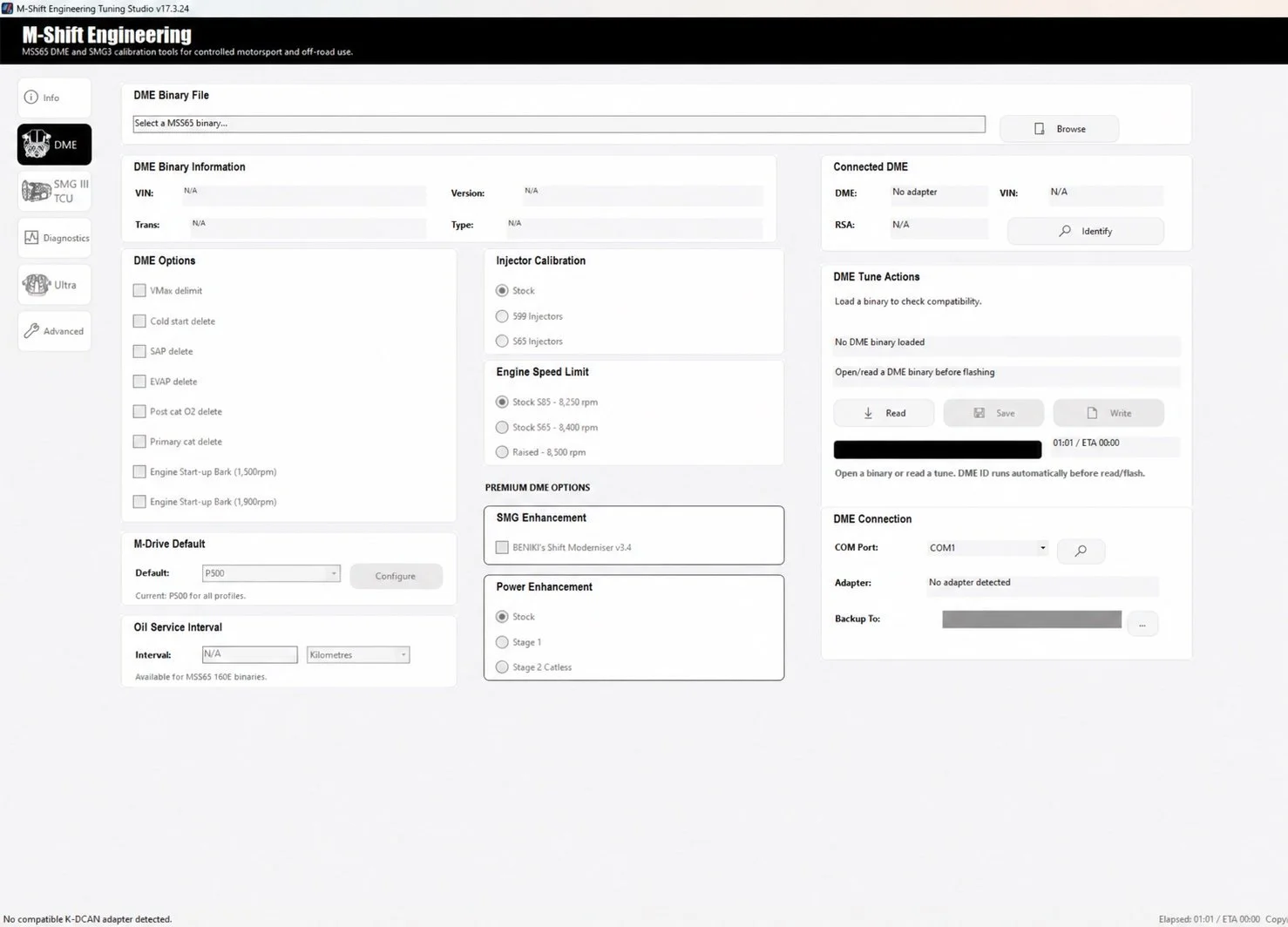
Studio puts the controls for your M-Shift package in your hands. Use the same application to identify your DME, manage your licence, select supported settings and follow the appropriate flashing workflow.
Make Premium your own.
Read a supported calibration or open an existing file. Customise the available options for your build, save your tune and write it to the DME.
Explore Premium →DME and SMG together.
Premium’s DME tune and SMG calibration are intended to work together. Studio brings the engine settings, SMG calibration and starting Drivelogic options into one application.
See the SMG workflow →A home for the CSL tune.
Install Ultra’s custom firmware, configure supported vehicle settings and use its dedicated uninstall workflow when removal is needed.
Explore Ultra / CSL →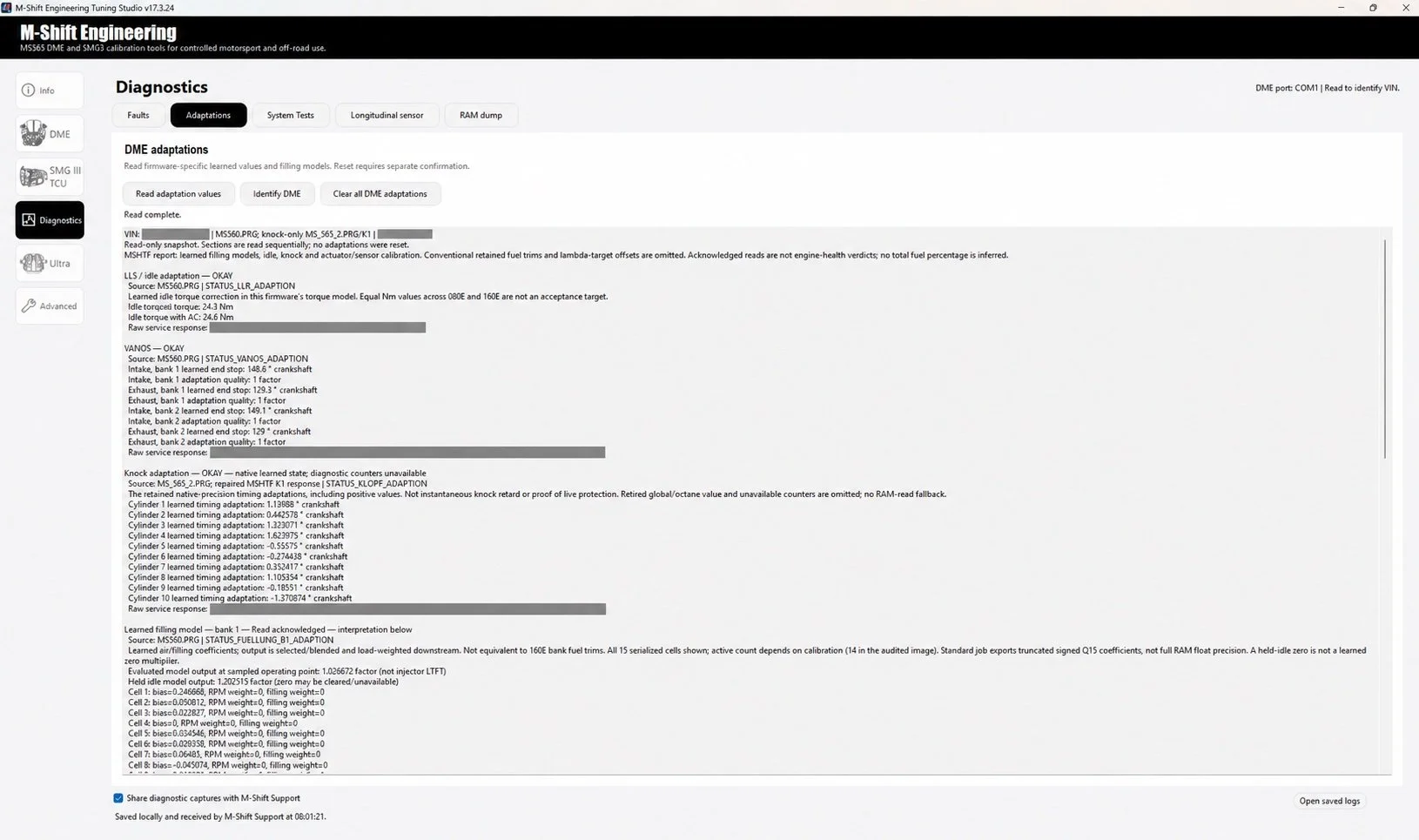
BEYOND THE FLASH
Tools you can come back to.
View supported diagnostic values, review adaptations and keep saved captures to help explain a problem. Licence controls and update checks are available within Studio too.
Available functions depend on your firmware, vehicle state and licence. The guide explains what each screen does and how to interpret its information.
Explore the diagnostic tools →ONE APPLICATION / THREE PACKAGES
Start with the tools you need.
The essentials.
Supported standard DME read, save and flash tools, with configuration options including VMAX, injector calibration and oil-service intervals.
Customise your calibration.
BENIKI’s Shift Moderniser, suitable Stage 1 and Stage 2 options, plus coordinated SMG III tuning and supported DME settings.
Configure custom firmware.
CSL Alpha-N on MSS65 hardware, with supported transmission and vehicle configuration through Studio’s Ultra tools.
READY TO GET STARTED?
Download Studio.
Check your setup.
You’ll need 64-bit Windows 10 or 11, a high-quality K+DCAN interface with EdiabasLib firmware and stable vehicle power. Premium and Ultra require the appropriate VIN-bound licence.
Need the step-by-step detail?
The Studio guide walks through connection, DME configuration, SMG tuning, Ultra installation, diagnostics and backups, using screenshots from the application.
Read the Studio guide →